Billing & Payments

Billing & Payments

Create and monitor payment requests from case or billing context so amounts, due dates, client delivery, payment links, payout state, and collection follow-up stay attached to the matter.

Built for attorney billing workflows with payment provider setup, hosted links, payout visibility, and branded checkout controls.
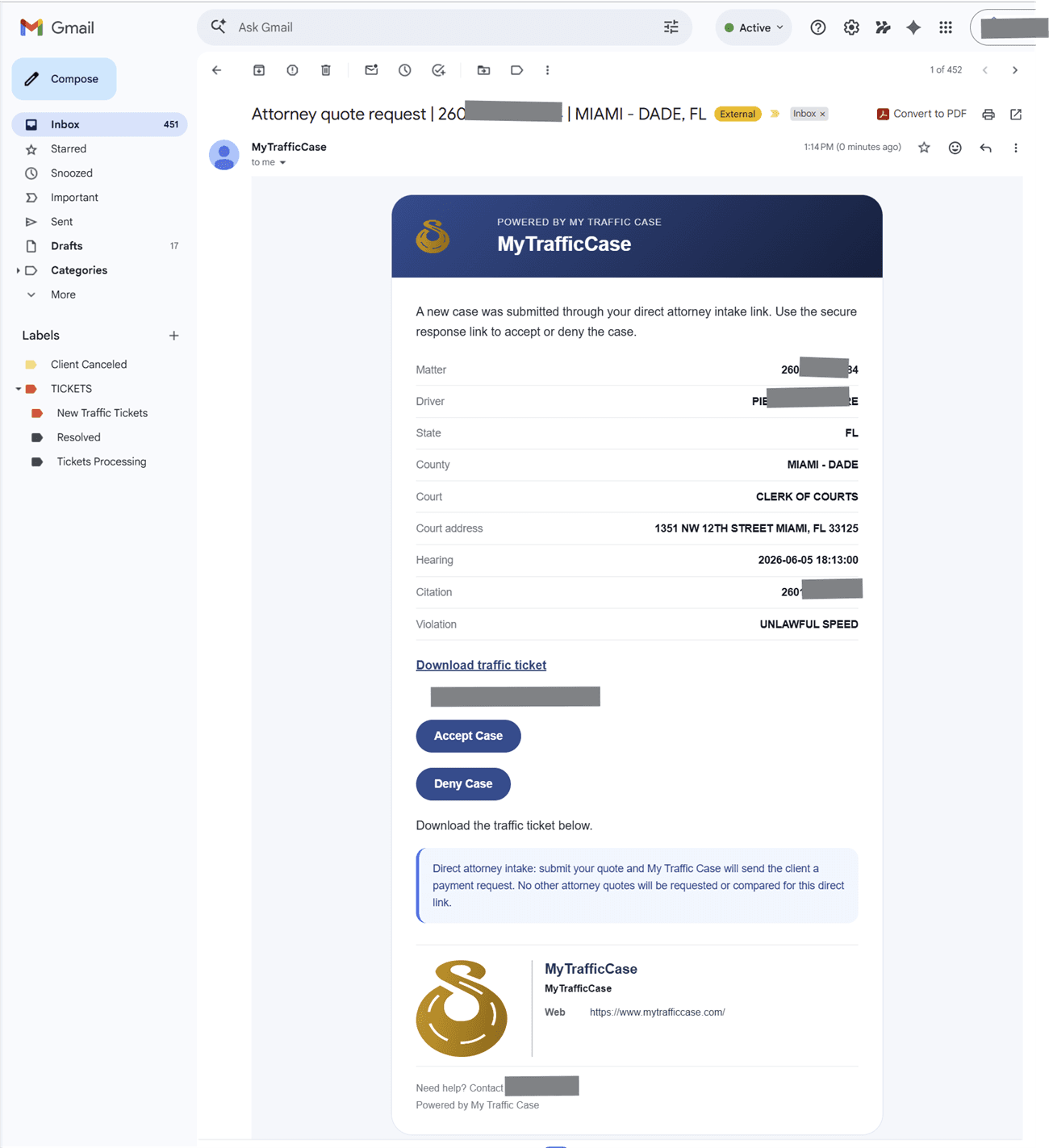
Sanitized quote request email generated from direct intake.

Audience

Who it is for

Traffic-ticket attorneys, firm staff, and operations teams managing citation-centered case work.

Problem

What it fixes

Traffic-ticket work gets harder when the ticket, status, payment, documents, communication, and next action live in separate systems.

How it works

Workflow steps

  1. Select case
  2. Enter amount
  3. Choose delivery
  4. Copy/open hosted link
  5. Start onboarding
Workflow

Request payment from case context

The payment request carries case, client, amount, due date, and delivery context.

  • Select case
  • Enter amount
  • Choose delivery
  • Copy/open hosted link
Workflow

Resolve provider blockers

Stripe setup and payout state stay visible so billing blockers do not hide from case work.

  • Start onboarding
  • Refresh status
  • Review requirements
  • Open provider dashboard

Capabilities

What this workflow covers

  • Attorney billing workspace with Create Request, Requests, Payout History, and Settings views.
  • Create payment request workflow for existing case or manual/direct-client billing matter.
  • Amount, due date, payment link vs request-only mode, client name, email, phone, state, court, county, matter type, optional client message, internal notes, and optional email delivery.
  • Payment request tracking for status, due date, paid date, email delivery, and payment page URL.
  • Attorney fee, platform fee, card fee, platform retention, attorney payout, fee payer labels, and payout status.
  • Copy/open hosted payment page and sync pending Stripe status.
  • Offline payment handling for cases.
  • Payout history by case.
  • Billing analytics dashboard with MTD/YTD payout metrics, payment counts, Stripe/LawPay payout stats, refunds, service/product breakdowns, and recent payout payments.
  • Stripe Connect setup to start/resume onboarding, refresh payout status, open Stripe dashboard, and display requirements due or payout blockers.
  • Billing settings for platform fee payer, Stripe processing fee payer, checkout branding, public business name, support email/phone, website, statement descriptor, colors, logo, icon, and retry/sync Stripe branding.
  • LawPay merchant ID and settings support.

Traffic-ticket value

Why it matters for citation work

The value is keeping traffic-ticket work organized around the citation and the next case step instead of a generic matter record.

Related links

FAQ

Is billing available to every user?

Built for attorney billing workflows with payment provider setup, hosted links, payout visibility, and branded checkout controls.

How does billing help traffic-ticket work?

Create and monitor payment requests from case or billing context so amounts, due dates, client delivery, payment links, payout state, and collection follow-up stay attached to the matter.